







Western cuisineTaiwan
Monsieur
A real bilingual ordering website now accepting customer orders in Taiwan.


Online ordering system for food businesses Live
Accept direct orders from your own branded website, with menu, POS, kitchen display, delivery tools, and reports in one system.


Useful ang delivery apps para ma-discover ka. Pero para sa regular customers, mas sulit kapag sa sarili mong website sila umorder.
Example only. Delivery-app rates vary. Your quotation clearly lists setup, hosting, payment, maintenance, and other applicable fees.
Gusto mong makita kung paano ito gagana sa store mo?
Ipakita sa akinTap a step to see what your customer sees.
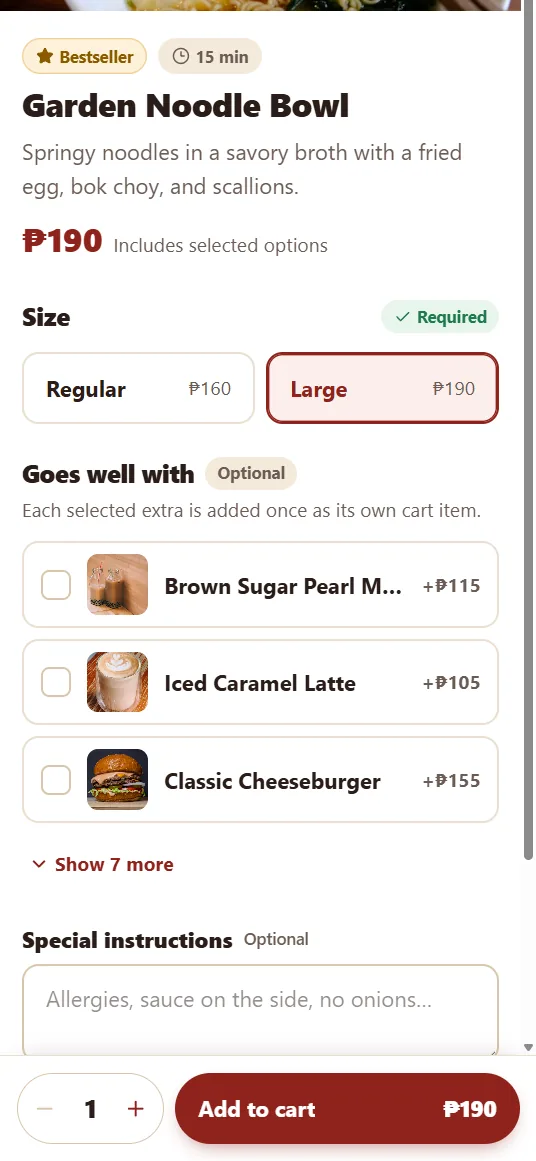
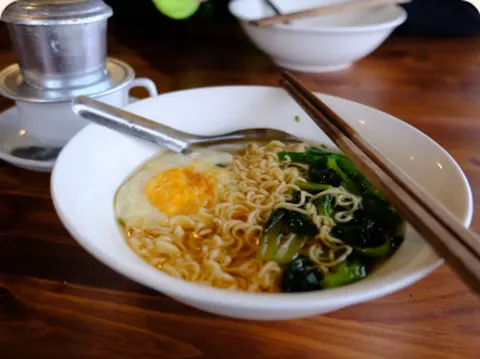
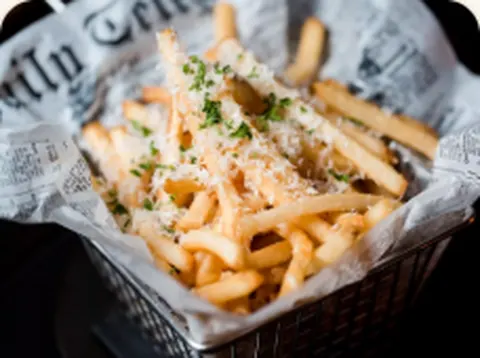
Big photos, clear prices, and add-ons that are easy to choose. Your dishes stay the main attraction, without competitors listed next to them.


Dishes and prices from the demo store menu.
Follow an order from the customer’s phone to your sales report.


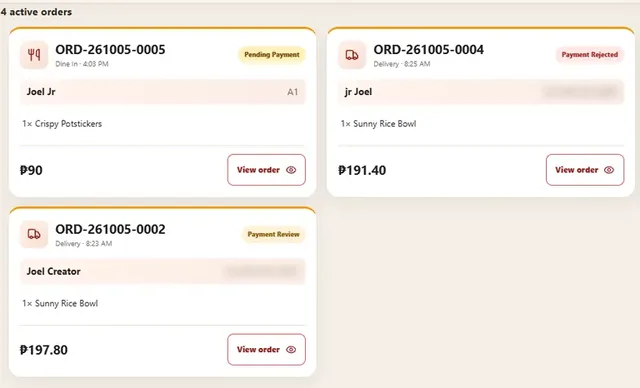
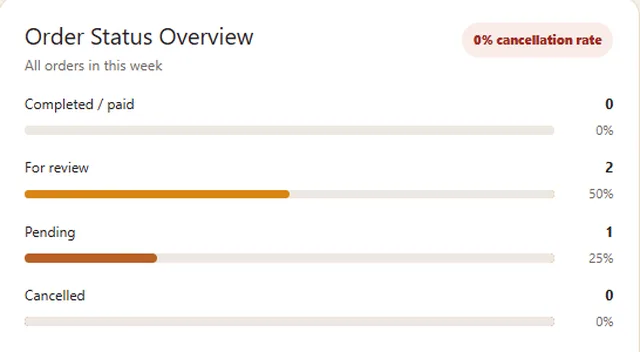
Real screens from the running system: storefront, checkout, POS, and admin. Names, orders, and totals are test data. Tap any screenshot to see it full size.
Western cuisineA real bilingual ordering website now accepting customer orders in Taiwan.


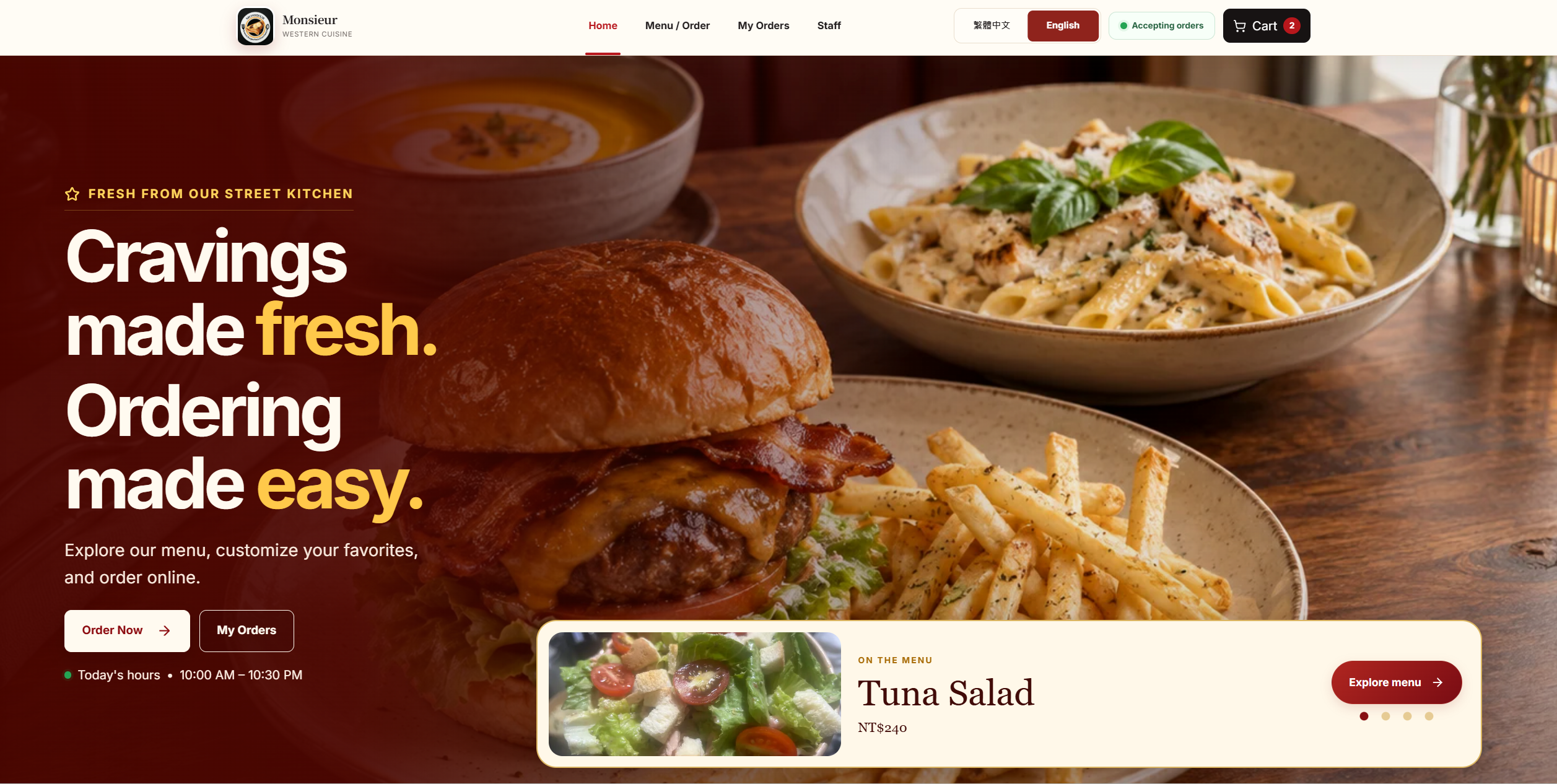
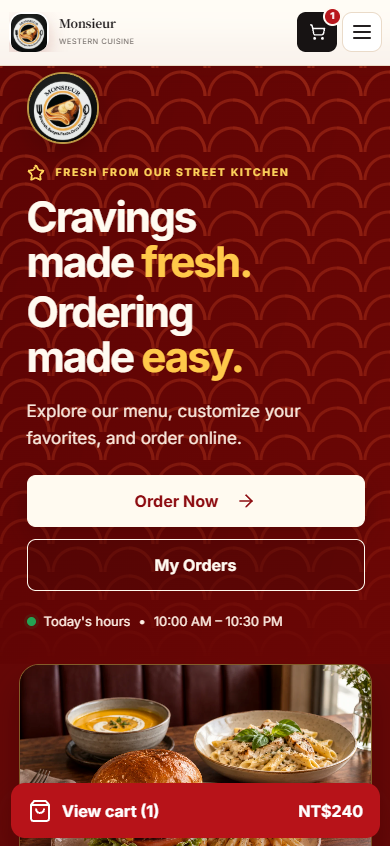
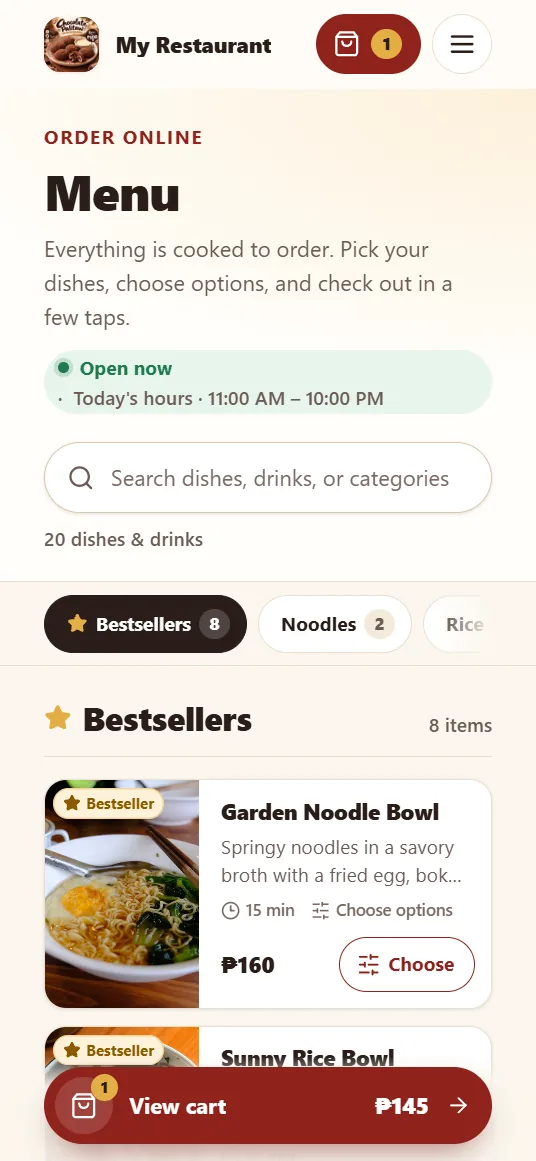
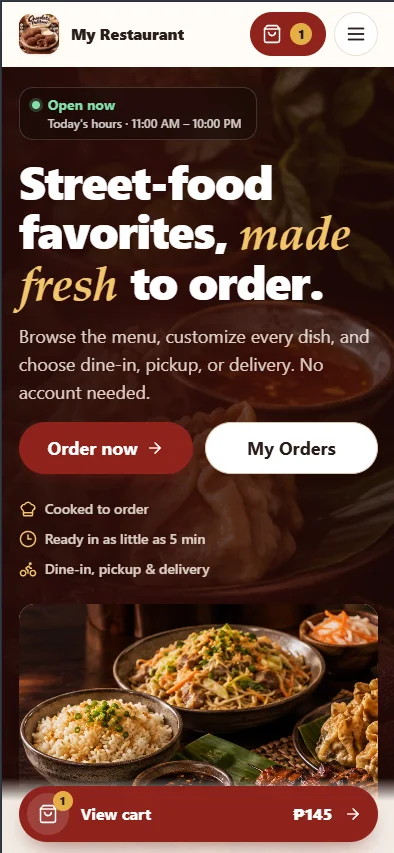
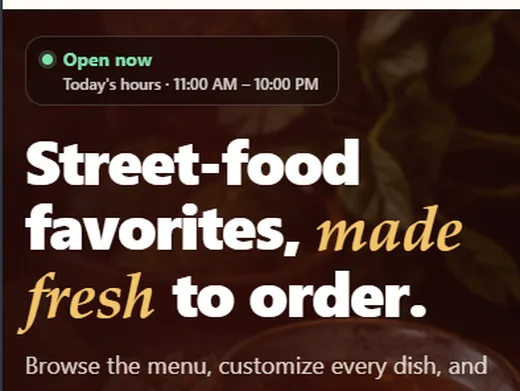
Your branded homepage and menu. Open hours update on their own, bestsellers sit up front, and the cart follows customers on mobile.
Order type, details, then payment and review. Each order type explains how payment works, so customers know what to expect.
Customers move the map or drag the pin to their gate, then complete the barangay and house details. Orders outside your delivery area are blocked.
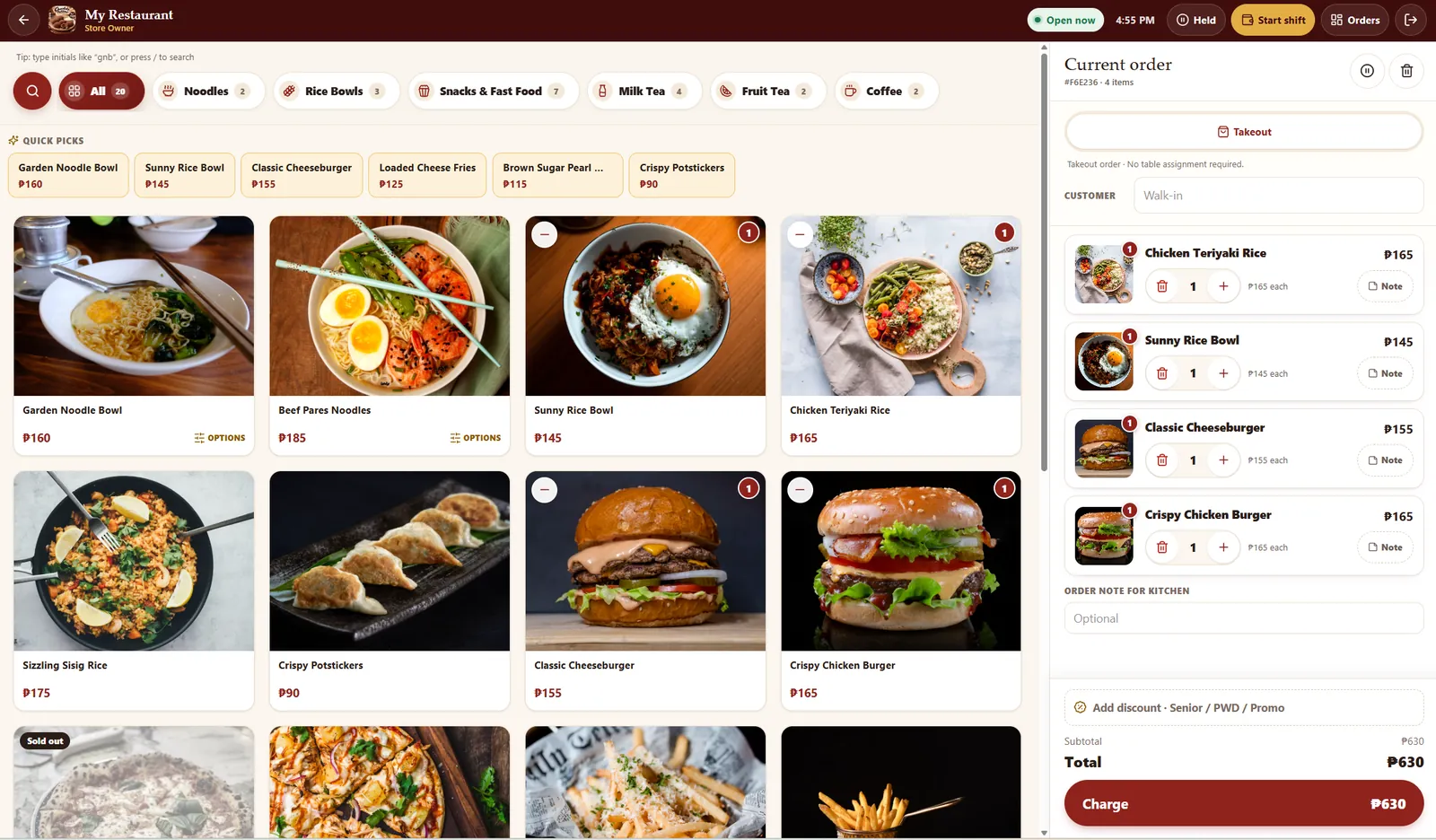
Tap products to build the order, add notes per item or for the kitchen, and assign dine-in tables.
Tap the bills the customer hands over and the change is computed. GCash, Maya, and bank show the store's QR.
Built for Philippine rules: ID number and name on record, optional 12% VAT exemption, and discounts on the whole order or selected items.
Confirmed orders appear as tickets. The kitchen moves each one from New to Preparing to Ready, and customers see the same status on their tracking page.
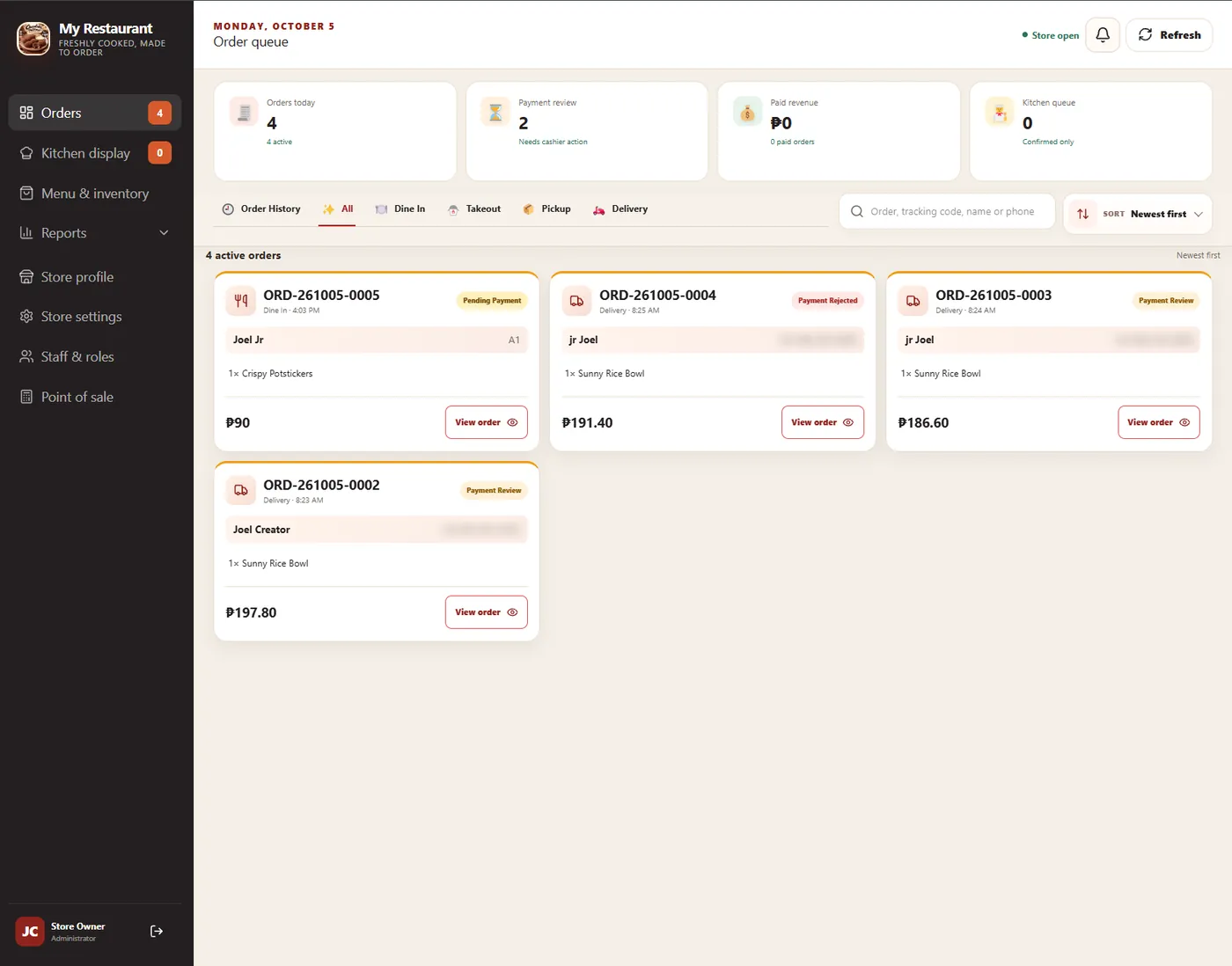
Every order in one queue with payment status at a glance. Filter by order type, search, and open any order.
Add products, set prices, and switch an item to sold out in one tap. The customer menu updates right away.
Set a starting fee, price per kilometer, maximum distance, and a free-delivery threshold. Hours, tables, notifications, and backups live here too.
Opening float, cash in and out, expected cash, and variance per shift, with a timeline of every POS action.
Reports count only paid, staff-verified orders, so the numbers match your cash and e-wallet records.
Give each person the access they need. Cashiers handle payments, the kitchen sees tickets, and the owner sees everything. New orders ring on staff Android phones.
Want to try it yourself? We’ll walk you through the live demo store, from placing an order to watching it reach the kitchen.
You focus on the food. We handle the setup, with you involved at every step.
We learn how your store runs and what to fix first.
You: Tell us how you sellYour logo, colors, photos, menu, and prices.
You: Send your logo & menuWe adjust it to your workflow and test every station.
You: Try a test orderLive on your domain. Your staff learns the system.
You: Share your linkUpdates and new features as your business grows.
You: Tell us what’s nextEvery business is different, so each package is quoted after a short consultation. You’ll get a clear breakdown of setup, hosting, and maintenance.
For small shops starting direct orders
For restaurants and cafés with a counter and kitchen
For delivery-heavy or multi-need operations
Not sure which fits? Tell us how your store works and we’ll recommend one. Walang pressure.
Don’t see yours? Send it with your demo request and we’ll answer it directly.
Yes. Your ordering site can run on your own domain, like yourrestaurant.com. If you don’t have one yet, we’ll help you choose and connect it. The domain is registered in your name.
Yes. The site is designed for phones first. Customers open your link from Facebook, a QR code, or a bookmark and order in the browser. No app download or account needed.
Yes. From the admin panel you can add products, change prices and photos, set add-ons, mark items sold out, and manage stock. Changes show on the customer menu right away.
Yes: dine-in with table numbers, pickup, takeout, and delivery with a map pin. You choose which order types to offer, and you can turn them on or off anytime.
Yes. The JWeb staff alarm app for Android rings like an alarm for every new online order, even when the phone is locked, and opens the order in one tap. The staff dashboard can also be installed as a web app on tablets and phones.
It depends on the package. Your quotation lists exactly what’s covered: setup, hosting, database, domain connection, and the maintenance plan, so there are no surprises later.
Yes. The system is ours to build on, so we can adjust workflows, add fields, or develop new features for your store. Tell us what you need during the consultation.
No. Many businesses keep the apps for reach and use their own site for regulars, dine-in, and pickup. JWeb Works works fine alongside them.
Request a free demo and we’ll show you the system running, using a store like yours. No commitment.
Fields marked * are required.